
AI Accelerated Craftsmanship
A few weeks ago, Mike - our Chief Information Officer (CIO) - pinged me on a Monday morning with a “heads up” that he had a priority project. I moved a few things around on my calendar, informed a few project partners that their projects were being pushed out (and why), passed a project to one of my team members and got ready to dig in.
The first draft looked to be a white paper of about 15 pages with cited sources, and a few diagrams to start. As I browsed through it for the first time, I saw that this is our first full technical whitepaper. I changed gears both mentally and in my computer workspace and started setting up an InDesign document with styles. Investing time in the style setups, parent pages, etc. is well worth it - it’s the opportunity to craft a good InDesign file that is the standard for similar documents in the future. This document evolved into a 41 page report with references, new icons, footnotes and nine diagrams of moderate complexity.
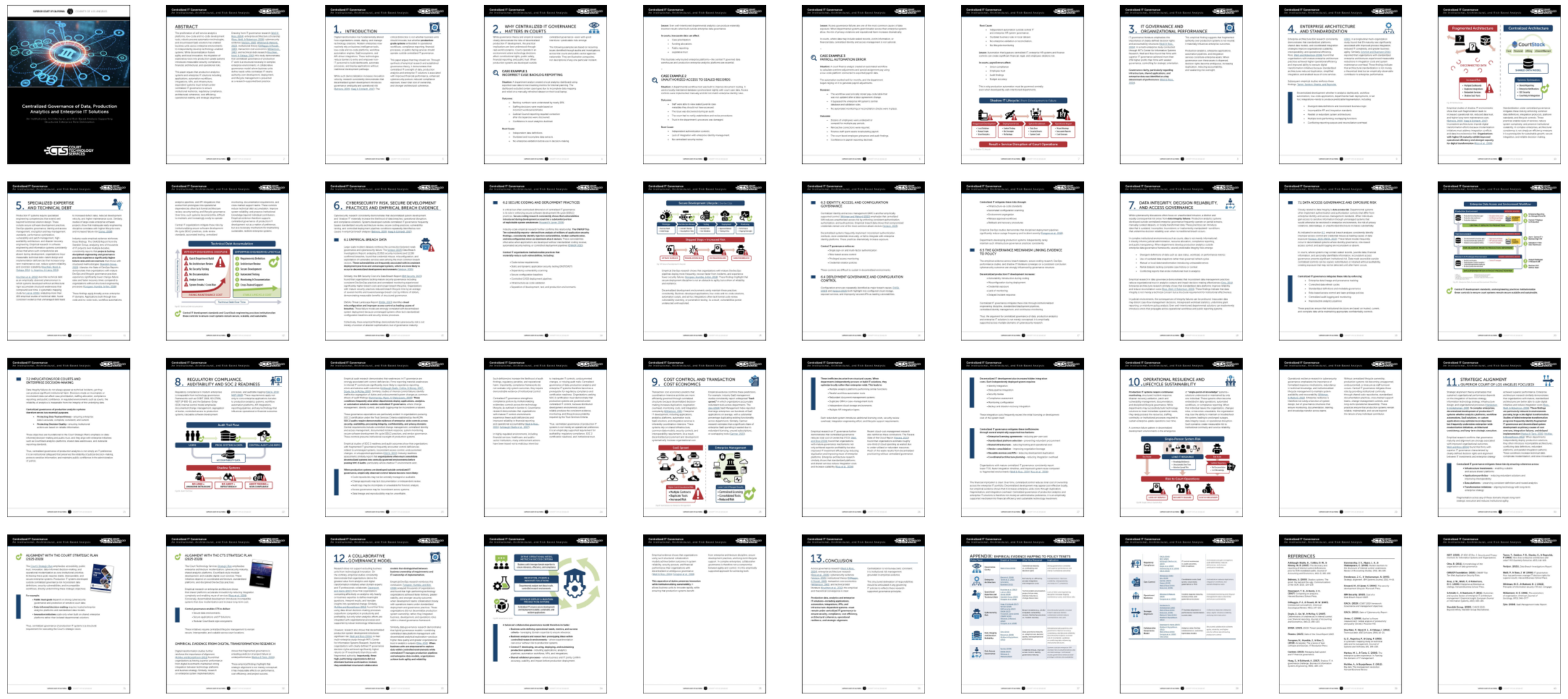
The document isn’t released to the public, so won’t share the pdf but this thumbnail gives an idea of the size/scope of it.
AI saves the…
If I said something like “AI saved the day!” it sounds corny, but in reality AI saved DAYS of time, if not weeks. Mike had generated draft diagrams that captured the information he wanted to illustrate. Rather than going back and forth with ‘napkin’ drawings we were able to go straight to final art based on his AI generated diagrams.
As you may know, AI isn’t great at visual consistency (yet), so the diagrams were visually different, included some AI spelling slop and a few other idiosyncracies. Working with those generated graphics as a reference, I built out new versions in Illustrator with our style, fonts, and colors. Together they tell a story in a visually consistent way, are editable and in an authoring environment that has a broad range of file outputs. Illustrator isn’t the job for everything, but a great tool for these.
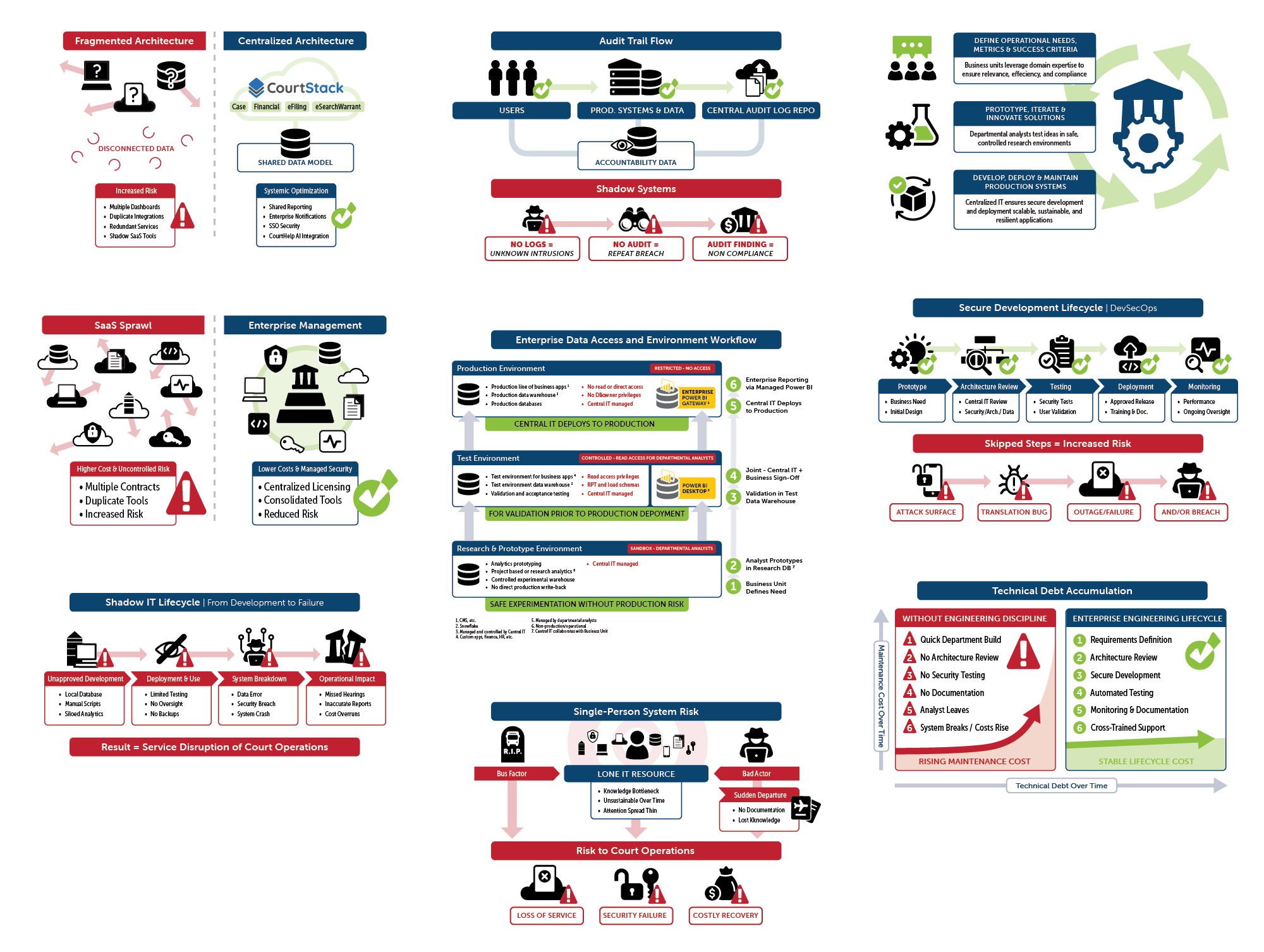
We attended a technology conference for courts that was heavily focused on AI and its applications AND implications shortly after finishing this document. Hearing from speakers like Adam Dodge and Kevin Roose were entertaining, informative, and inspiring.
Amongst other things, they inspired me to think about the diagrams. Can AI do them at the quality and consistency we need? Quick answer (as of today with off-the-shelf services like ChatGPT and Grok) is no. But someday soon seems likely.
I had been reading about cognitive load, and asked ChatGPT (plus) to create a diagram. Cool – it made a neat diagram that hit the main points. Not cool - some slop included and the style wasn’t like anything I’ve fed it so far. Lets try again. This time I uploaded one of my finished diagrams from Illustrator and told it to match color, font and illustration style. Cool – it created a usable diagram of pretty good quality. What would be really cool? Give it to me as an SVG… And back to not cool.
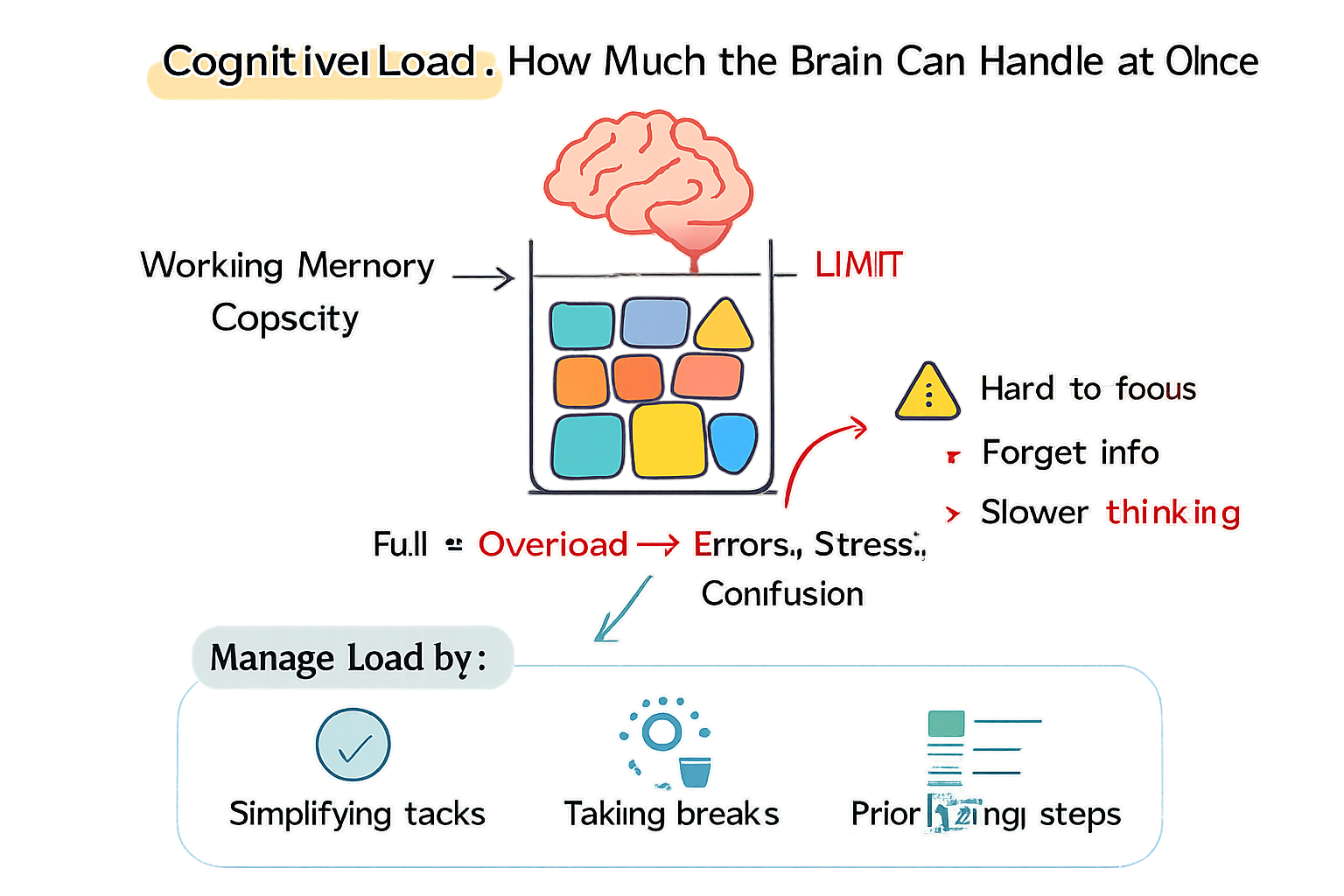
Cool and Not Cool - ChatGPT’s first take at the diagram. Note especially the formatting and typographic slop.
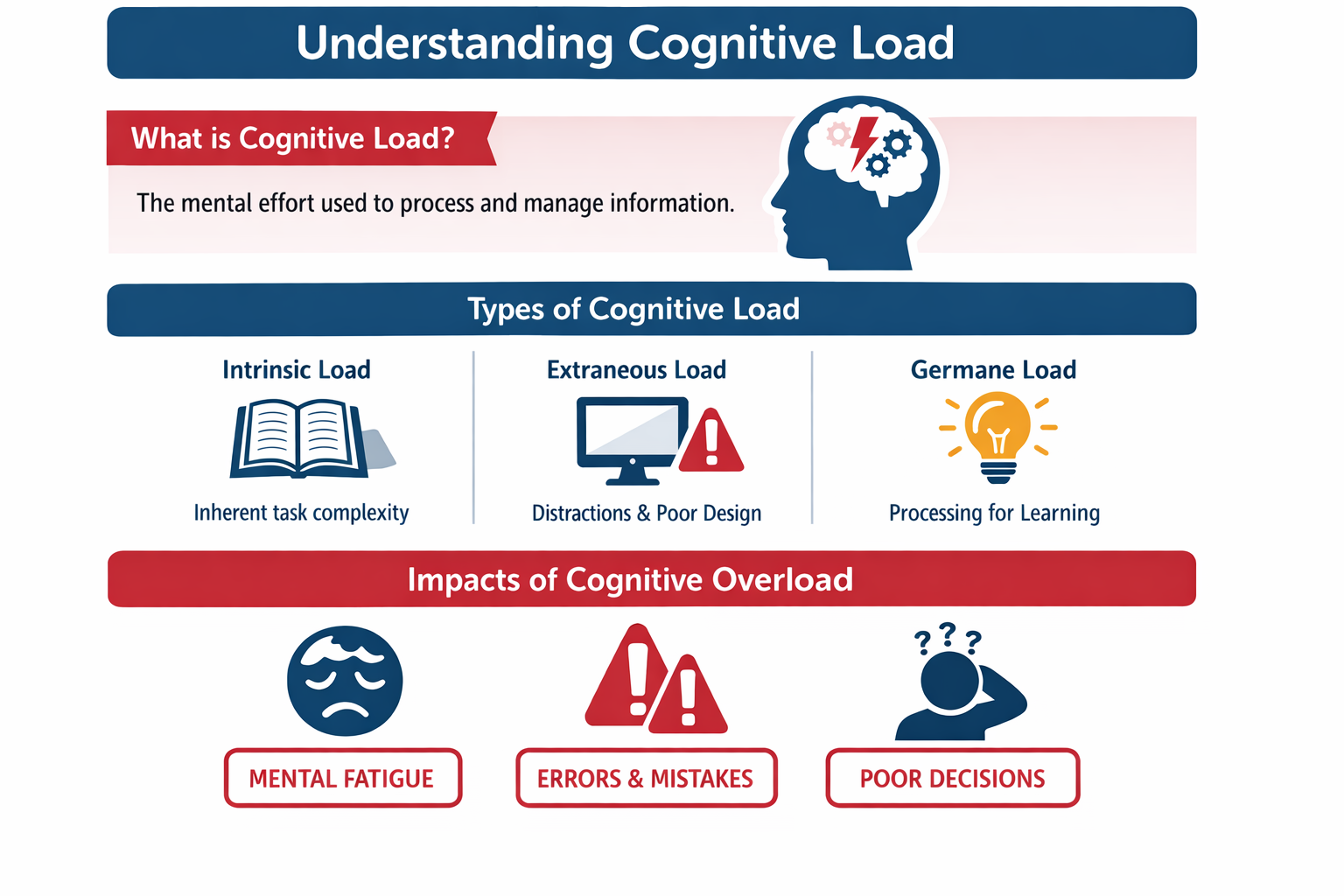
Cool - Better prompting for the win, and feeding it with an example was the key for improvement.
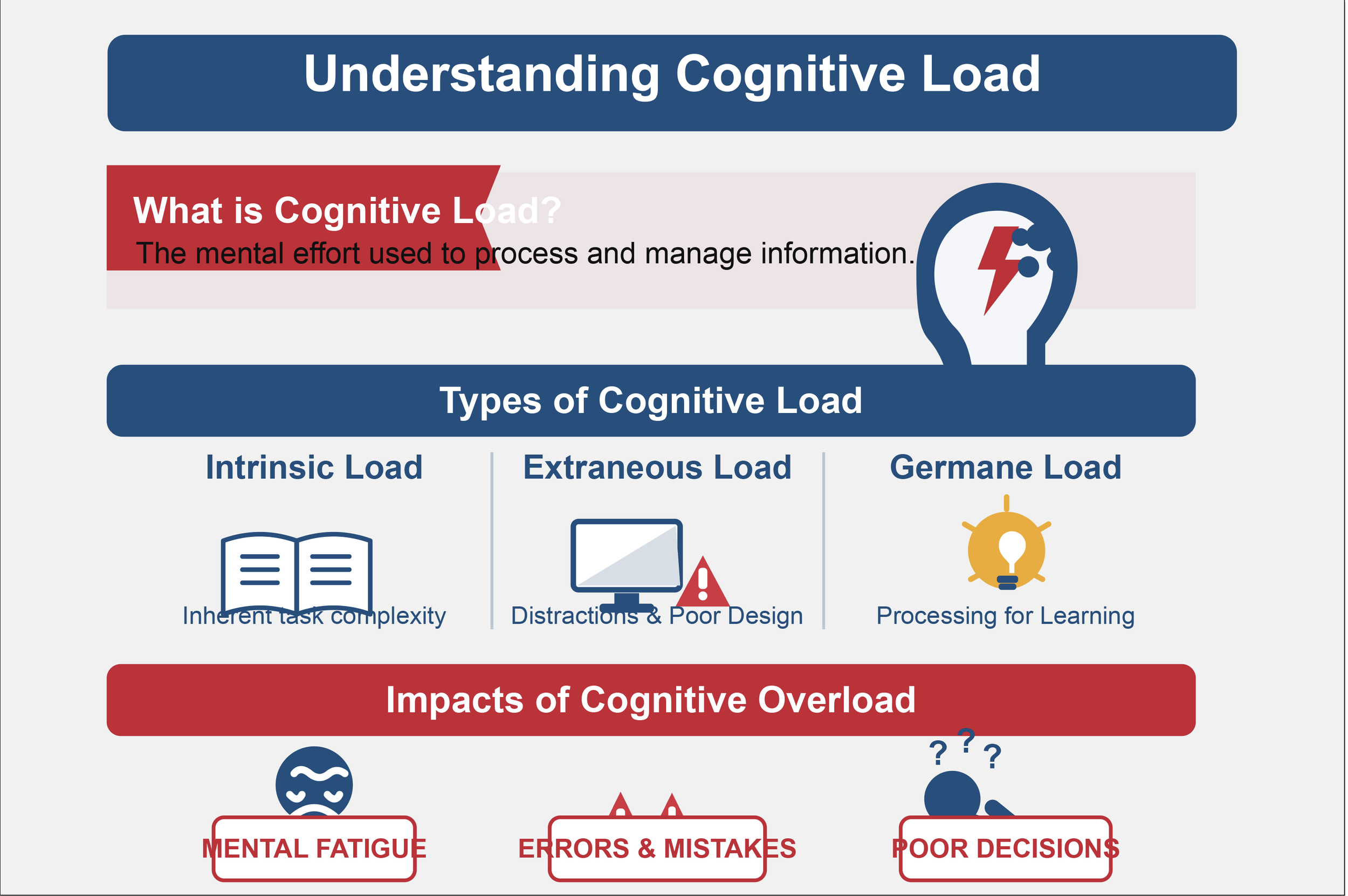
Hmm, ok. thanks for trying - While this could serve as a starting point in Illustrator since the SVG retains live text, its not anywhere close to production quality. I’ll circle around in some time and try this again…
Writing about this today, I think the takeaway is that AI tools expedite the iteration process and can accelerate parts of our project workflows. Does it replace craftsmanship? No. Does it serve as a new tool in a creative professional’s tool kit? Absolutely. Let’s put it to work.
Thank you for reading - Matt